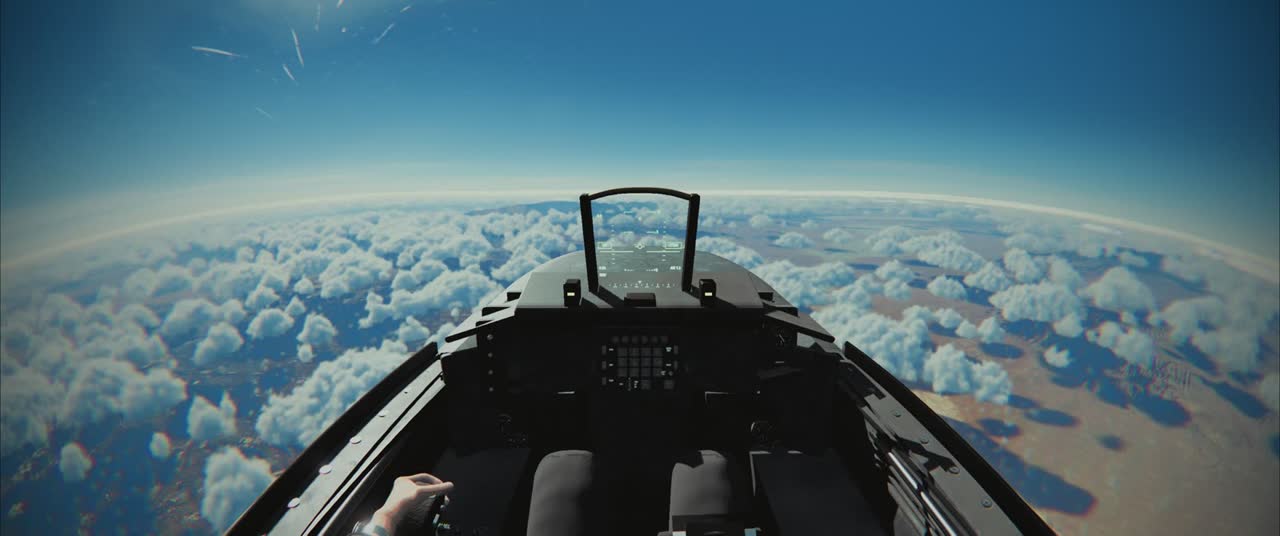
If you have a flight stick, a throttle or rudder pedals on your desk, VIPER 11 reads them straight from the browser. There are no drivers to install and no software to run. Plug them in, press a button so the browser sees them, and fly.
- Stickpitch · roll
- Throttlewith detent
- Pedalsrudder · brakes
- PadsXbox · PlayStation
Binding
Settings › Controls › Joystick lists every action and what it’s bound to. Pick one and move the control you want: the game snapshots every axis and button on every device and takes the first new button or the axis that moves furthest. A live panel shows a bar for each axis and a dot for each button, labelled with what it drives. Bindings, inversions and dead zones are saved for your next visit.
Dead zones, expo and the detent
Real sticks don’t centre perfectly, so each axis has a dead zone (4% by default for pitch) with the rest of the travel stretched back to full. A 1.6 expo curve gives fine control around the centre and still reaches a full 9 g pull at the stop. The throttle is a position, not a rate. MIL, full power without afterburner, sits at a detent that defaults to 80% of the travel, and you can move it to match the physical bump on your own throttle. Past it, the afterburner lights.
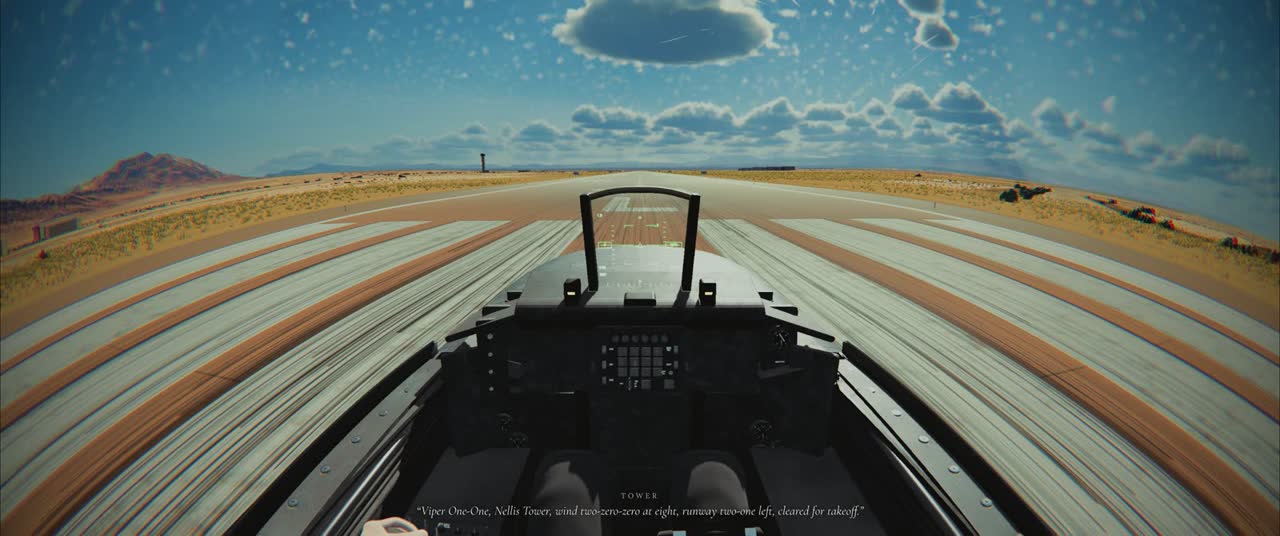
Which devices
Anything the browser exposes through the Gamepad API. The game has default layouts for the common ones: the Thrustmaster T.16000M, TWCS, TCA and Warthog, the Logitech and Saitek X52 and X56, and VKB and Virpil grips, with Saitek pedals too. Chrome and Edge are the best tested. If a device isn’t recognised, you can still bind it axis by axis.
Gamepads too
Xbox and PlayStation controllers show their own button glyphs, rumble from the flight model, and on a DualSense the right trigger pushes back through MIL. The mouse turns your head, and holding Shift turns the same mouse into a stick.
What to fly with it
Everything: free flight from seven real airfields, the daily landing challenge, the 12-mission campaign, dogfights against AI and real players, and the carrier launch. With a stick and pedals, landings in a gusty crosswind get properly satisfying.