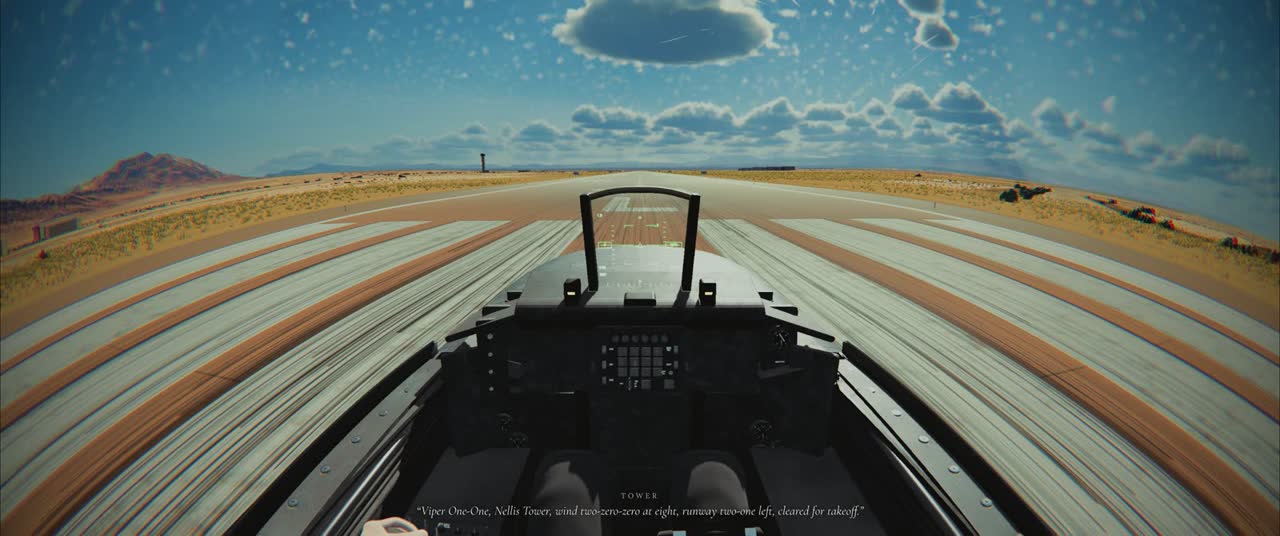
VIPER 11 is a flight simulator you play in a web browser. There is nothing to install and no account to make: open the page, pick a jet and an airfield, and you are sitting at the end of a real runway with the engine running. It runs on a laptop, a desktop or a phone, in Chrome, Edge, Safari or Firefox.
- 3jets
- 7airfields
- 1carrier
- 12missions
- $0to play
What makes it a simulator
Underneath the pictures is a real flight model: a rigid body with six degrees of freedom, worked out 240 times a second from the speed of the air, the angle of attack, the sideslip and the Mach number. The F-16 flies through its fly-by-wire control laws the way the real jet does, so the stick asks for a rate and a g, and the computer moves the surfaces. Pull hard and the g builds, your vision greys and tunnels at the edges, and the jet bleeds speed in the turn.
Wind is part of the simulation, not decoration. In a crosswind the jet crabs on final and drifts if you let it, gusts jump the airspeed, and on the runway the nose weathervanes into the wind. The tower and the ATIS give you the same wind, in proper radio phraseology, and the game can explain every call in plain words while you learn it.
Real places
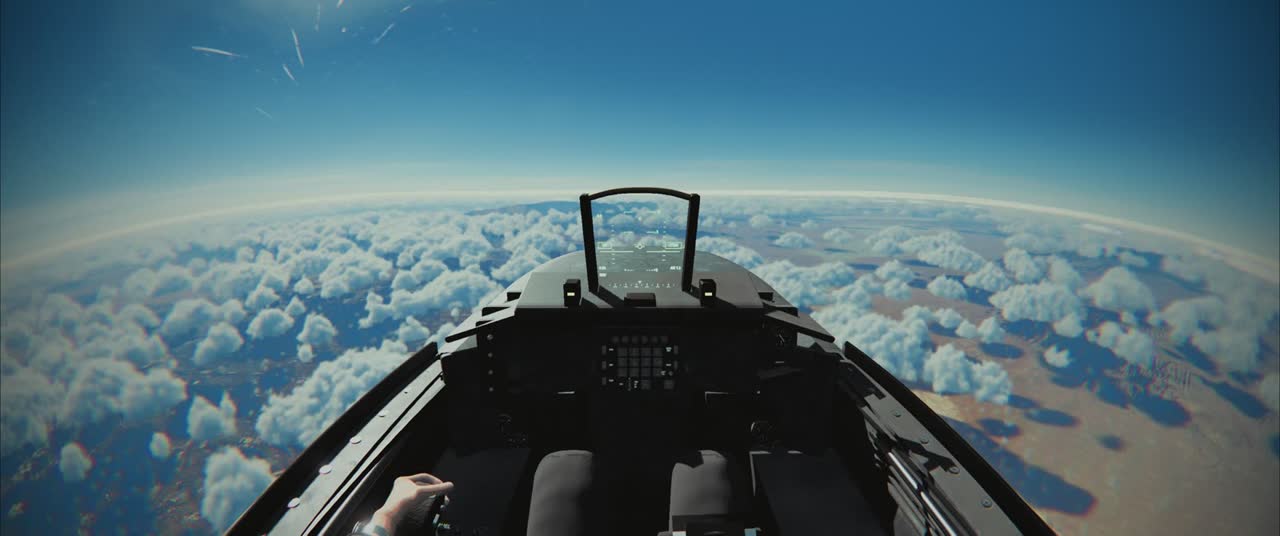
Every airfield is built from real elevation data and aerial photographs, with painted runways and taxiways, streamed around the jet as it flies. You can take off from Nellis AFB outside Las Vegas, Hill AFB in Utah, NAS Key West, NAS Fallon (the home of TOPGUN), MCAS Miramar in San Diego, Edwards AFB in the Mojave or JBER Elmendorf in Alaska, or launch off the catapult of an aircraft carrier in the Pacific. Time of day runs from dawn to night, with the sun, the sky and the haze to match.
For beginners and for sim pilots
If you have never flown, a short training flight teaches you the takeoff, and a landing assist helps with your first landings. Then it steps back. If you already fly DCS or Microsoft Flight Simulator, turn it off, plug in your stick and throttle, and fly an honest pattern. Every takeoff and landing is scored out of 100. The daily challenge gives everyone in the world the same airfield, jet, wind and gusts to compare scores on.
And when you want more than flying
VIPER 11 is a combat flight simulator too: a 12-mission campaign, dogfights against AI pilots, 1v1 ranked fights against real players, a shared multiplayer sky, and a night strike through a targeting pod. All of it is free.
- Is it really free?
- Yes. Every jet, airfield, mission and mode is free to play. There is an optional shop for cosmetic paint schemes.
- Do I need to download anything?
- No. It runs in the browser with WebGL2. The first load streams the airfield around you.
- Does it work on a phone?
- Yes, with touch controls. A recent phone works best, and you can also plug in a gamepad.
- Can I use a joystick?
- Yes: keyboard and mouse, Xbox and PlayStation controllers, or a full HOTAS with stick, throttle and pedals. See HOTAS and joysticks.